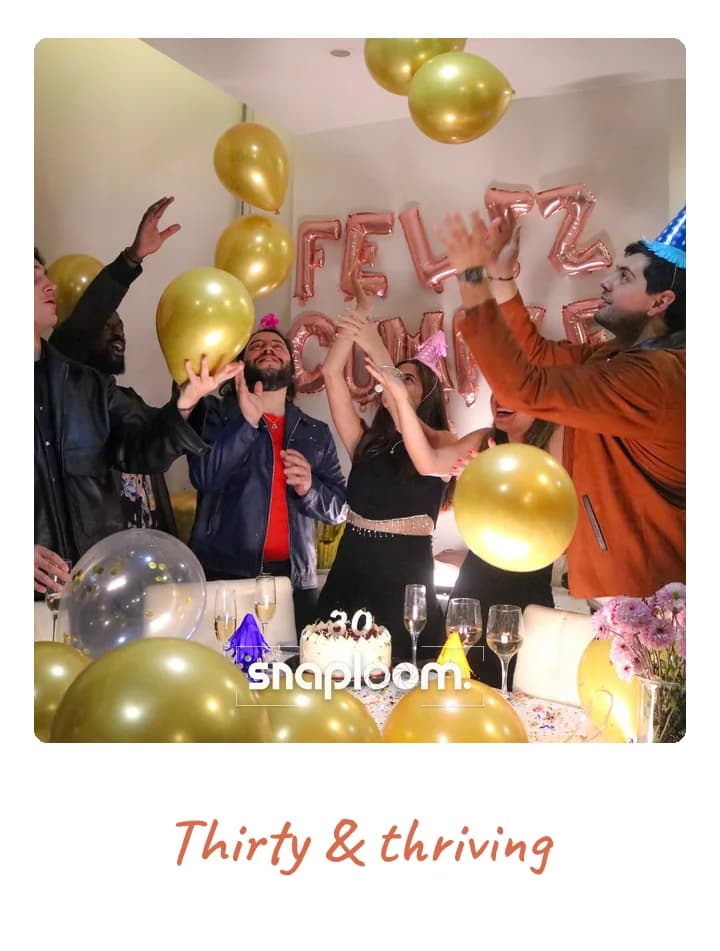
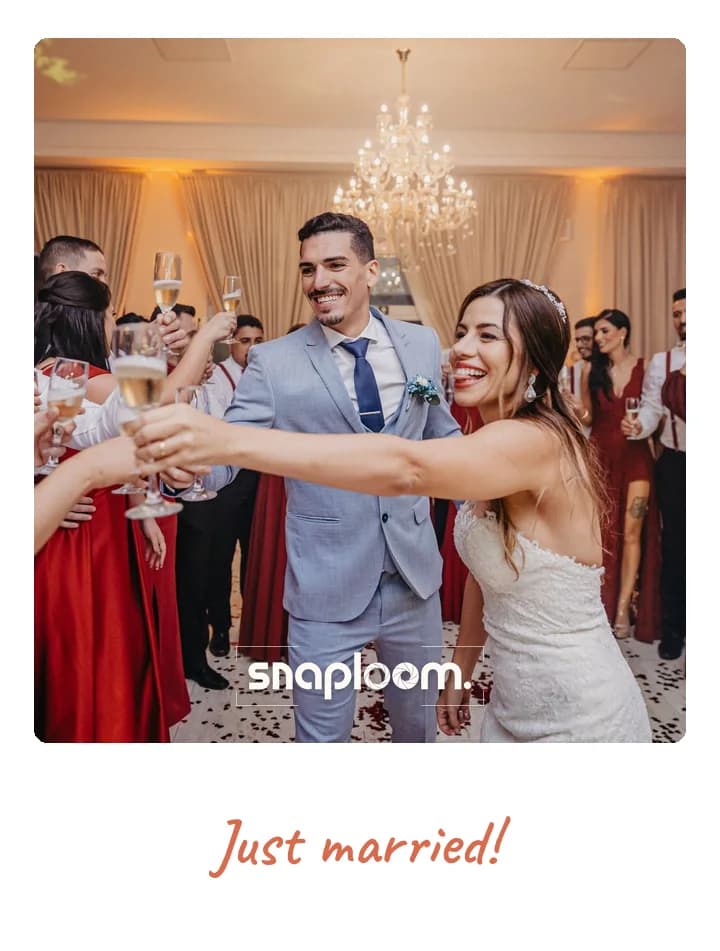
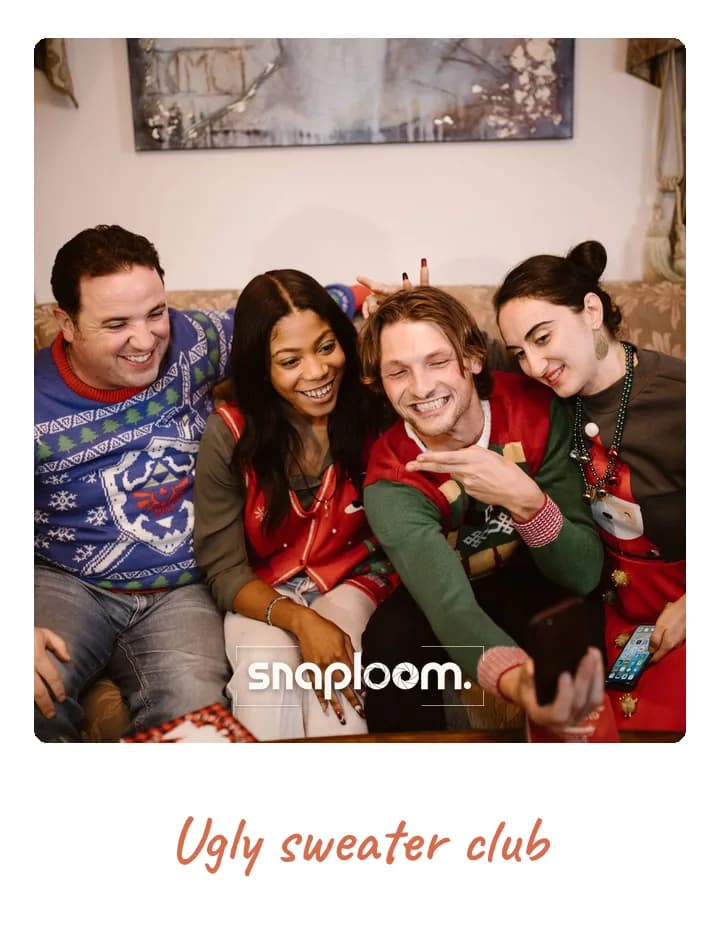
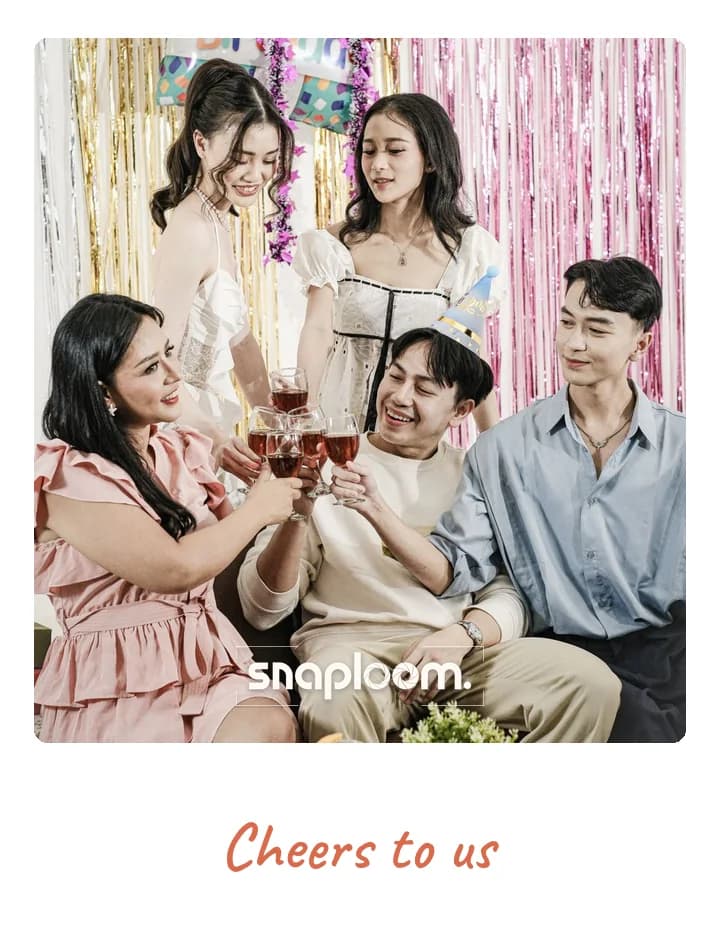
Collected as they are taken
No upload step for guests to forget. Each photo reaches your dashboard as it is taken in the wedding camera.
Stop chasing photos across group chats and shared albums after the wedding. Guests scan one QR code, shoot in your wedding’s camera, and every photo is with you the moment it is taken.
Getting photos from wedding guests usually goes the same way: a hashtag nobody uses, a shared album half the guests cannot open, and weeks of asking people to send theirs. The problem is that the photos are taken in a dozen different camera apps and then have to be moved. Snaploom flips it: guests take the photos inside your wedding’s own camera, opened from a QR code on the tables, so each one is collected as it is taken. Every photo comes back to the guest as a polaroid with your names and date, and to you in a dashboard where you can approve, download as one ZIP and share a gallery with everyone who came.
No upload step for guests to forget. Each photo reaches your dashboard as it is taken in the wedding camera.
Put it on table cards, the order of service or a sign by the bar. Every scan opens the same camera.
Turn on review and photos wait for you before they appear in the gallery your guests can see.
Publish the gallery and send one link to every guest, including the relatives who could not make it.
Only catches guests who post publicly and remember the tag. A camera at the table catches everyone who scans it.
Works for guests on the same kind of phone and with the right account. A browser link works on any phone.
Photos arrive compressed, mixed in with messages and spread across threads. Here they arrive in one place, full set downloadable.
Most photos never get sent. Collecting them during the wedding means there is nothing to ask for later.
Theme, card colours, event name and logo. Minutes, before doors open.

On the invite, in the group chat, or as a QR at the door.
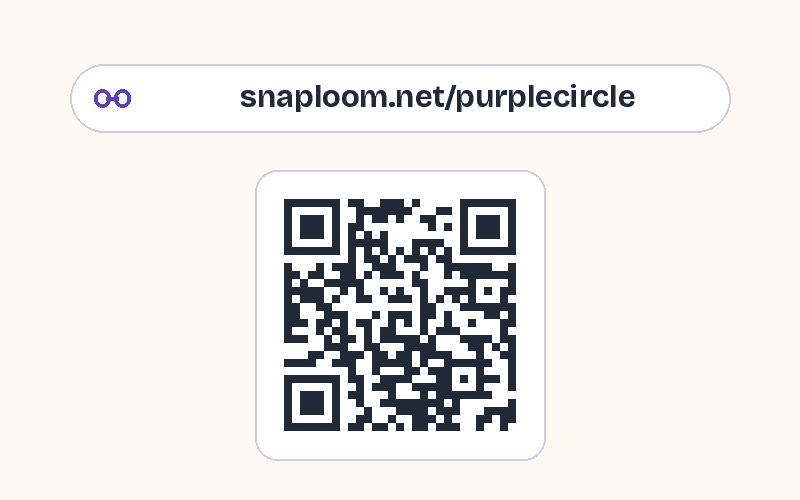
They take a photo and keep a polaroid. Every capture lands in your dashboard.
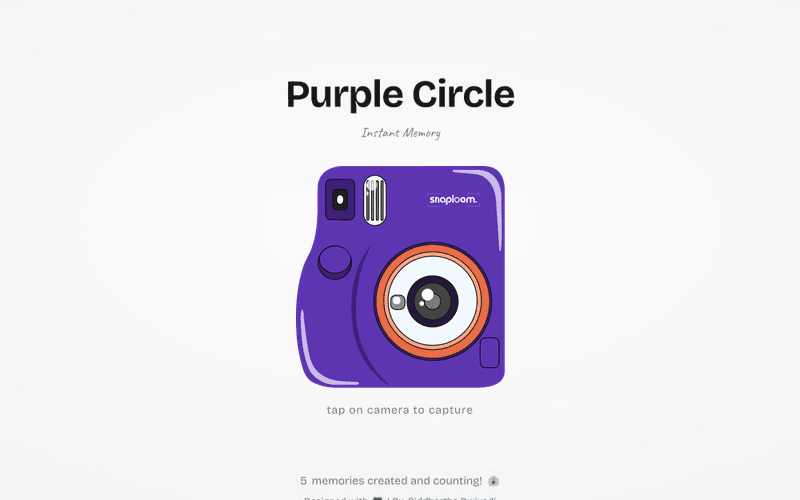
Give guests a camera to shoot with rather than asking them to upload later. With Snaploom they scan a QR code, take photos in your wedding’s browser camera, and every photo lands in your dashboard straight away.
No. Snaploom collects photos taken in your wedding camera, which is what keeps them styled with your names and gathered in one place. For older photos, a shared album is the better tool.
Neither. The camera opens in the phone’s browser from the QR code, on iPhone and Android.
Yes. Photos collect in your dashboard whether or not you publish a gallery. Publish one only if and when you want guests to see them.
Download the whole wedding from the dashboard as a single ZIP, or save individual photos.
As long as your page is open. Set a closing date and time, for example the morning after, and the camera stops taking photos then.
Try the camera now, then make a page with your names and date and print the QR code for the tables.