Nothing for guests to install
Opens in the phone browser from a QR code. Grandparents included — there is no app store detour and no account to make.
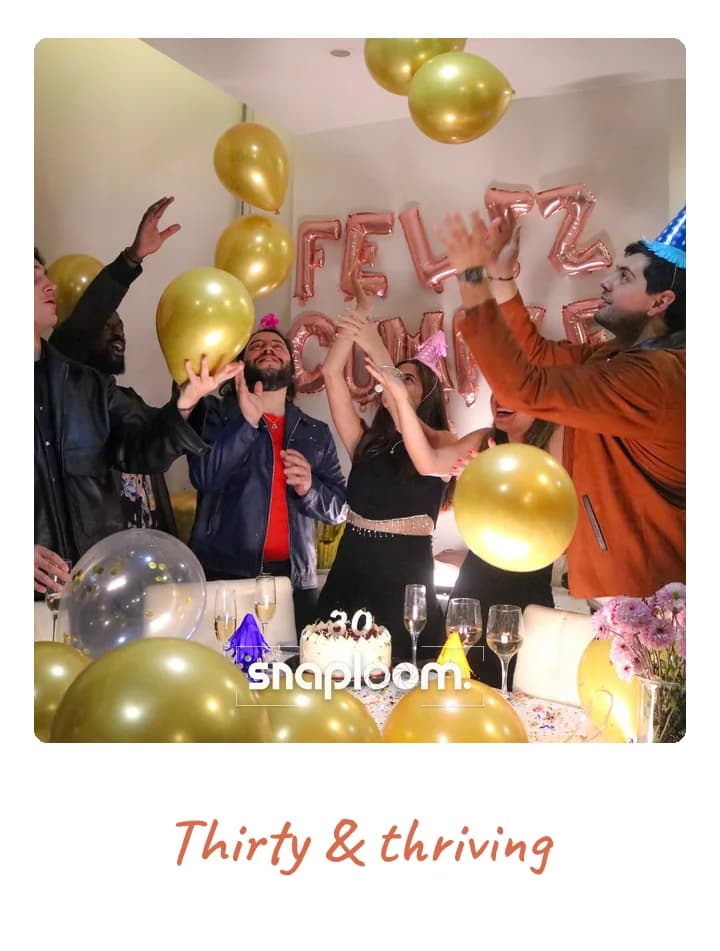
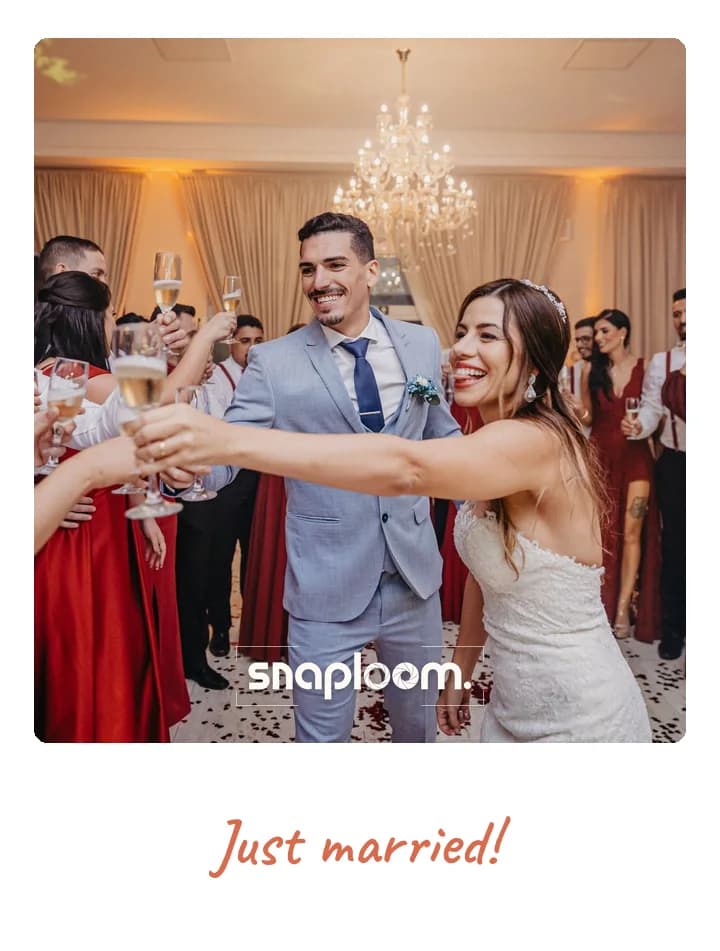
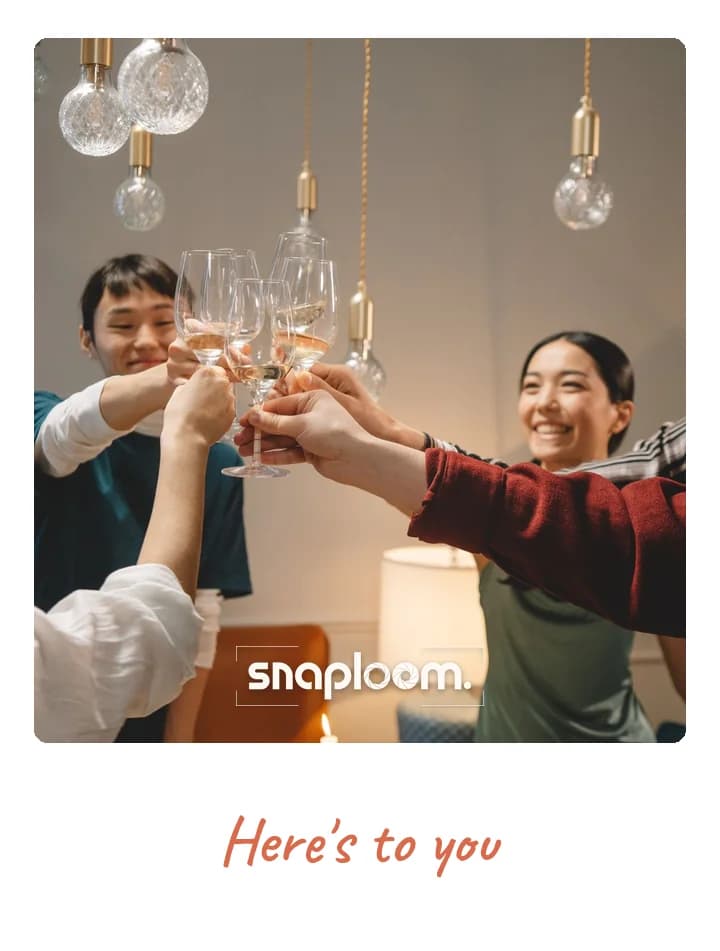
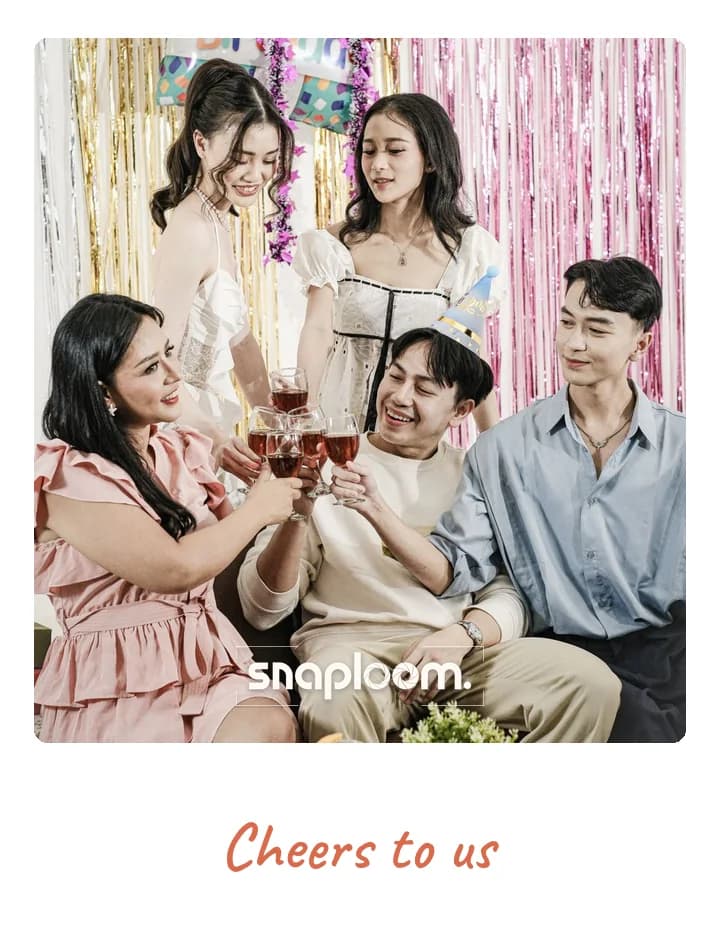
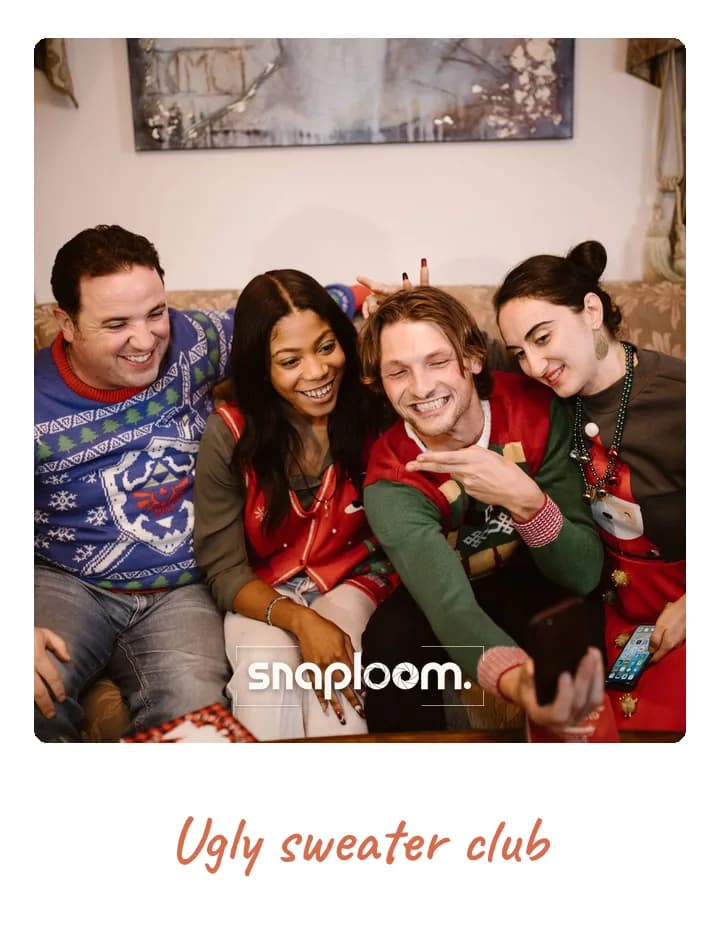
Your photographer captures the day. Snaploom captures the rest — the table you never got to, the dance floor at midnight, the cousins who left early. One QR code on each table, and guests shoot branded polaroids on their own phones.
A wedding photo booth usually means renting hardware, paying an attendant, and getting a USB stick a week later. Snaploom replaces all of it with a link. Put a QR code on the tables or in the order of service, and guests photograph themselves on the phone already in their hand — no app to download, which matters when your guest list spans four generations. Every shot comes back styled as a polaroid with your names and date on it, and lands in your dashboard rather than a stranger’s cloud. Download the whole set as a ZIP for your thank-you cards.
Opens in the phone browser from a QR code. Grandparents included — there is no app store detour and no account to make.
Set the caption, colours, and font to match your stationery, and drop a monogram or logo onto the card.
Candid moments from every table at once, from angles no single photographer can be in. All of it downloadable as one ZIP.
Turn on review and guest photos wait for your approval before they appear in the shared gallery.
Bridesmaids, groomsmen and the friends helping out, in the rooms the photographer reaches only briefly.
Every table photographing itself at once during dinner, all the faces a formal photo session never gets round to.
Late in the evening, after the photographer has gone home, guests are still taking photos.
Relatives and old friends you see once in years, each with their own polaroid of the day.
Theme, card colours, event name and logo. Minutes, before doors open.

On the invite, in the group chat, or as a QR at the door.
They take a photo and keep a polaroid. Every capture lands in your dashboard.
Try it as a guest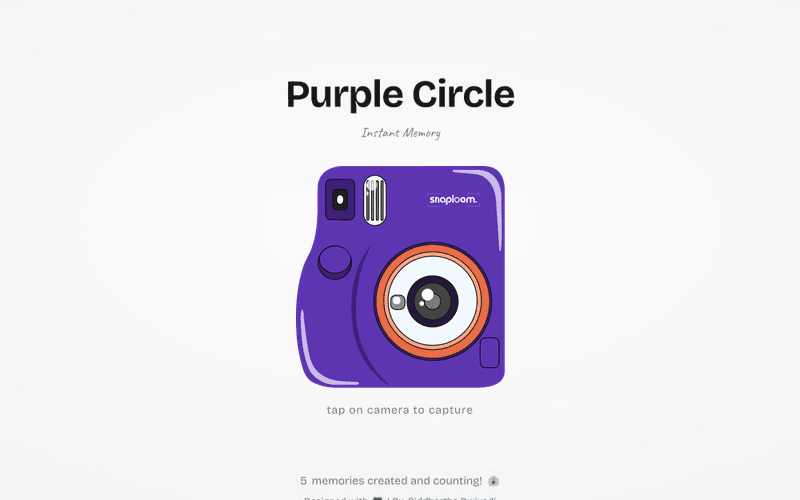
You get one link and a QR code from the dashboard. Print the QR code on table cards, the order of service, or a sign at the entrance — guests scan it and the camera opens in their browser.
Guests need a working connection on their phone, the same as sending a message. Mobile data is fine; venue wifi is not required.
Yes. The shared gallery can stay unpublished while captures still collect in your dashboard, and you can publish it whenever you are ready.
No hardware, no attendant, and no rental window. It costs nothing to try, runs for as long as your page is live, and every guest’s phone is a booth rather than one queue in the corner.
Yes. Set the caption to your names and date, choose colours and a font to match your stationery, and add a monogram as the logo.
Yes. Set a closing date and time and the camera stops accepting new photos then, showing guests a thank-you message you write.
Try the camera now, then claim a page with your names, colours, and date on every polaroid.