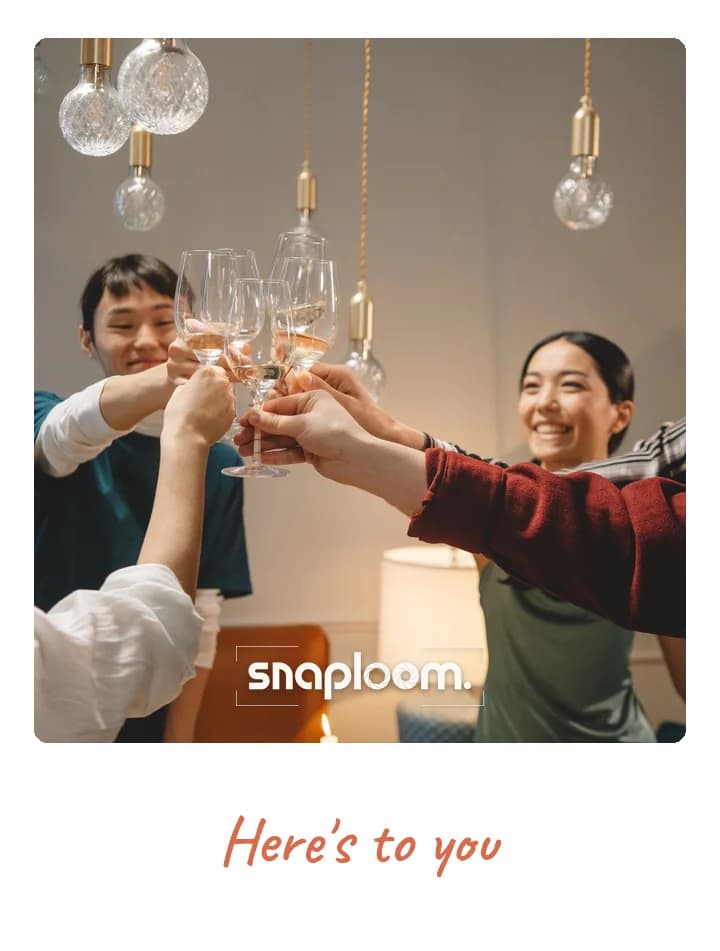
The code is generated for you
Your page comes with a QR code in the dashboard. Download it and print it at any size — no third-party generator in the middle.
Print the code, stick it on the wall, and you are done. Guests scan it, the camera opens in their browser, and a branded polaroid comes back — no app, no kiosk, no attendant.
A QR code photo booth is the simplest version of the idea: the booth is a page, and the code is the door. Snaploom generates the QR code for your event page in the dashboard, ready to print at whatever size the room needs — a sign by the entrance, a card on each table, a sticker on the bar. Scanning opens a real camera, not an upload form, so guests shoot inside your branded booth and get the styled photo back in seconds. Because the code points at a permanent link, the same printed sign keeps working for as long as the page is live.
Your page comes with a QR code in the dashboard. Download it and print it at any size — no third-party generator in the middle.
Not an upload page. Guests shoot inside the branded booth, so the framing and styling are the same for everyone.
Entrance sign, table cards, a sticker by the bar — the same code works everywhere, so there is nothing to keep in sync.
Captures collect in your dashboard as they happen, ready to review, download, or publish to a shared gallery.
A sign at the door catches every guest on the way in, when they still have a free hand.
Table cards keep the code in front of seated guests all evening, without anyone needing to stand up.
Invitations, programmes, menus and badges: anywhere guests already look.
Show the code on a projector or TV between moments, so a whole room can scan it at once.
Theme, card colours, event name and logo. Minutes, before doors open.
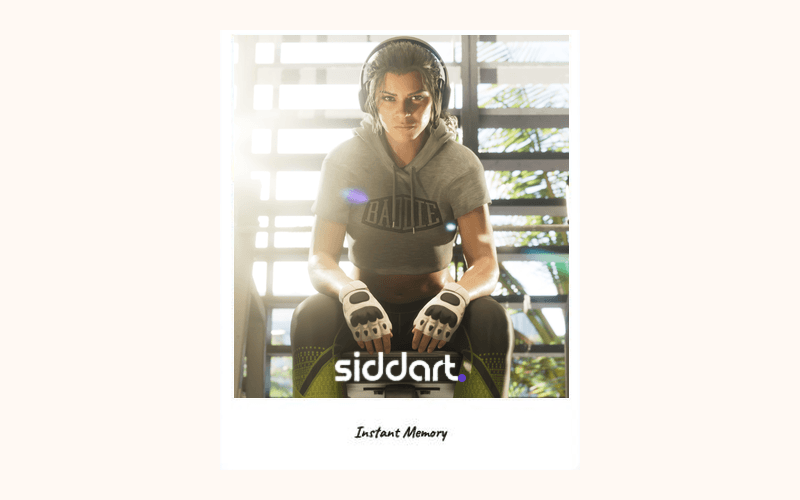
On the invite, in the group chat, or as a QR at the door.
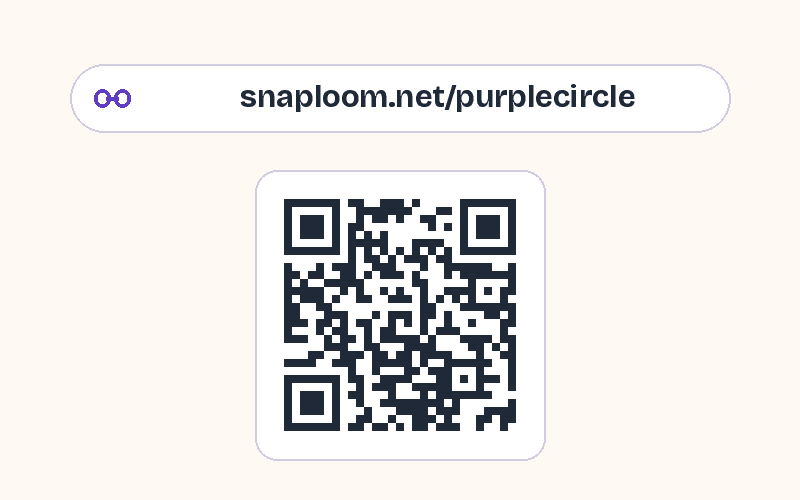
They take a photo and keep a polaroid. Every capture lands in your dashboard.
Try it as a guest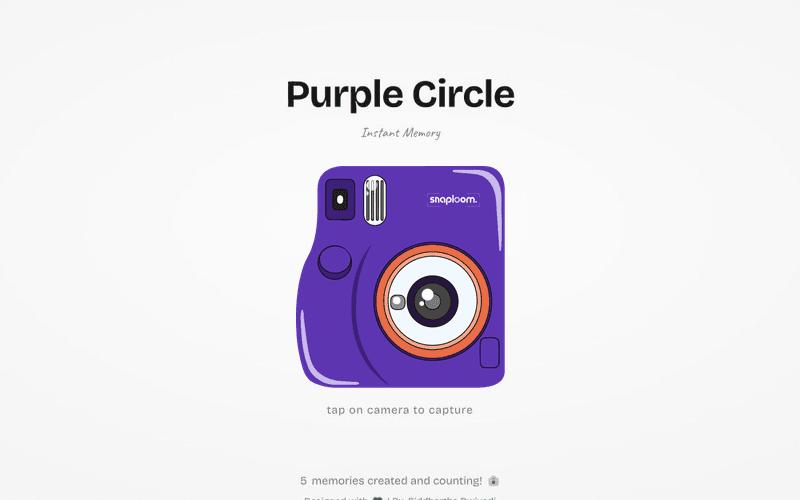
The dashboard generates it for your page. Download it there and print it — there is no separate QR service to sign up for.
No. It points at your page link, which is permanent, so a printed sign or table card keeps working as long as the page is live.
Their browser opens your branded camera page. They take a photo, get a styled polaroid back, and can download or share it — with no app install and no signup.
Yes. A single code can go everywhere, since every scan opens the same page and every capture lands in the same dashboard.
Around 5 cm (2 in) wide works on table cards; a sign people scan from a few steps away needs 15 cm (6 in) or more.
Yes. The code points at your permanent link, so changing the theme, caption or logo later does not change the code.
Try the camera first, then claim a page and download its QR code to print.