

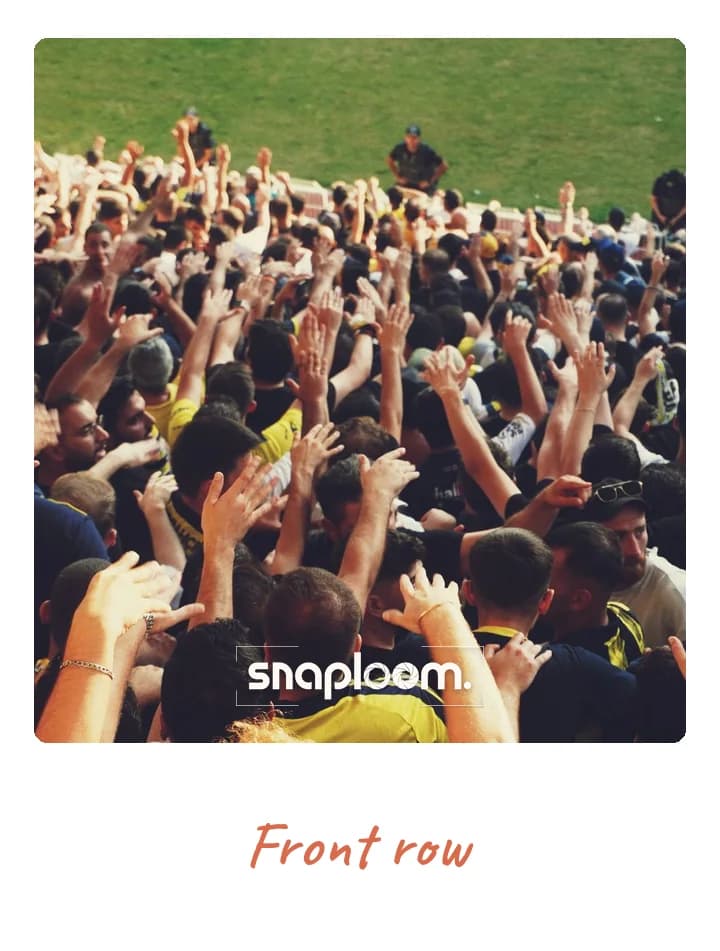
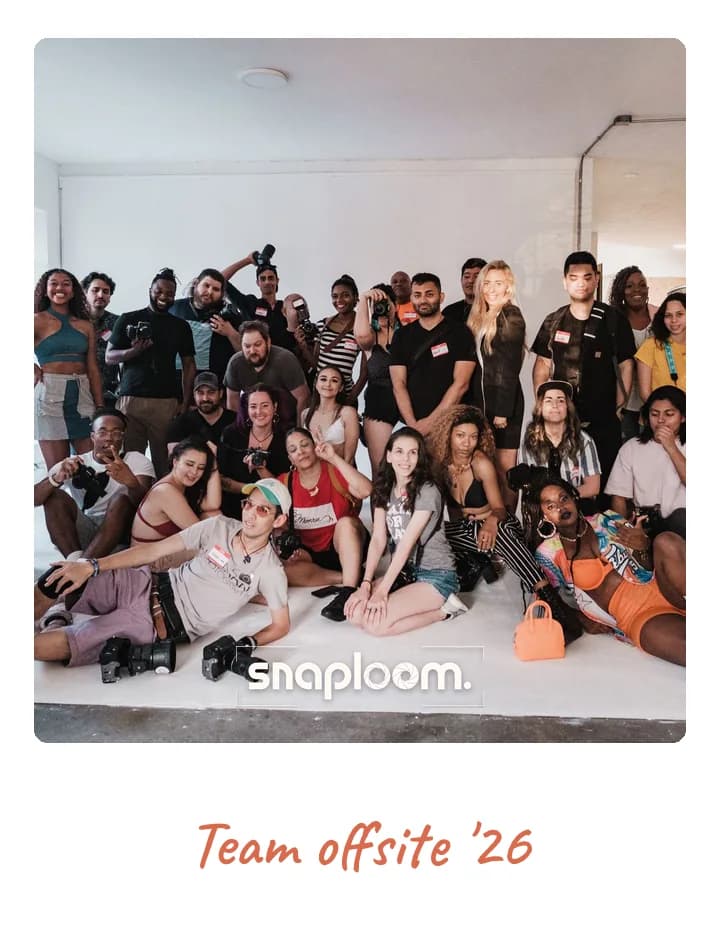

Covers the whole venue
Not one booth in one corner — every attendee’s phone is a booth. Keynote, expo floor, and hallway all at once.
One QR code on the badge, the signage, and the slides turns every attendee’s phone into a branded conference photo booth. No rental, no line, no single corner of the hall people have to find.
Conference photo booths used to mean a rented setup and a queue that only reaches the people standing near it. A virtual photo booth covers the entire venue at once: keynote hall, expo floor, sponsor stands, and the hallway track. Every photo carries your conference branding and sponsor logo, so attendee photos double as reach for your event and the brands paying for it. Set it up once and share a single link across the app, the badges, and the screens.
Not one booth in one corner — every attendee’s phone is a booth. Keynote, expo floor, and hallway all at once.
Put a sponsor or conference logo on every card. Each photo an attendee shares carries your brand into their feed.
Drop the URL in the event app, on badges, on signage, and in the slide deck between talks. A QR code does the rest.
Every capture collects in your dashboard — a photo library for the post-event recap, social wrap, and next year’s promo.
Every attendee carries it all day, so the camera is always one scan away, from registration to the closing party.
Put the code on the holding slide while the next speaker sets up, when the whole room is looking at the screen.
A code on each stand gives sponsors photos with their logo on them, and gives attendees a reason to stop.
The best photos of most conferences happen after the talks. A code on the tables catches them.
Theme, card colours, event name and logo. Minutes, before doors open.

On the invite, in the group chat, or as a QR at the door.
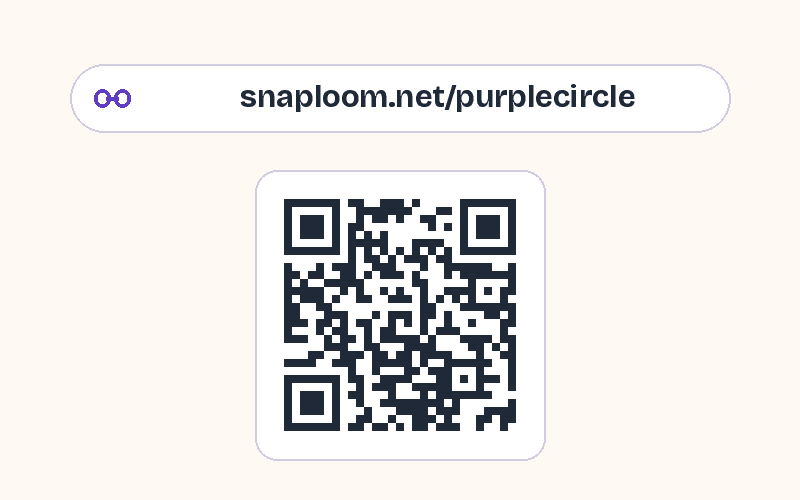
They take a photo and keep a polaroid. Every capture lands in your dashboard.
Try it as a guest
They scan the QR code on their badge or the signage, the branded camera opens in their browser, they take a photo, and they download a polaroid instantly. No app, no signup.
Yes. You upload a logo watermark that appears on every photo, so attendee shares carry your conference or sponsor branding.
Yes — because there is no physical booth or line. Every attendee uses their own phone, so a 100-person meetup and a 5,000-person conference work the same way.
Every capture lands in your creator dashboard to review, download, and reshare in your event recap.
Yes. Set a closing date and time and the camera stops accepting photos then, with a closing message of your choice.
Yes. Publish the gallery and open it on a screen, or embed it in a page you show there. Reload it to bring in the latest photos.
Claim a branded event page for your conference, or try the camera first to see the guest experience.