
Brand consistency by default
Your logo, colours, caption, and font apply to every photo automatically. Nobody has to remember the guidelines.
Every photo leaves with your logo, your colours, and your event name on it — no vendor watermark, no hardware to procure, and no photos held hostage in someone else’s account.
Corporate events make a rented photo booth awkward for reasons that have nothing to do with photography: procurement, shipping, an attendant to brief, and a vendor who owns the resulting images. Snaploom is a corporate photo booth that ships as a link. Brand it once and every capture carries your identity consistently, which is the part marketing actually cares about. The photos land in your own dashboard for the recap deck or social channels, downloadable as a single ZIP, and review can be switched on so nothing reaches a public gallery without approval — usually the condition for using guest photos at all.
Your logo, colours, caption, and font apply to every photo automatically. Nobody has to remember the guidelines.
Turn on review and every guest photo waits for a moderator. The public gallery only ever shows what you approved.
No iPads, no stands, no rental agreement, no courier the morning after. It is a page and a QR code.
Download the full set as a ZIP for the recap. No vendor account to keep paying for access to your own event.
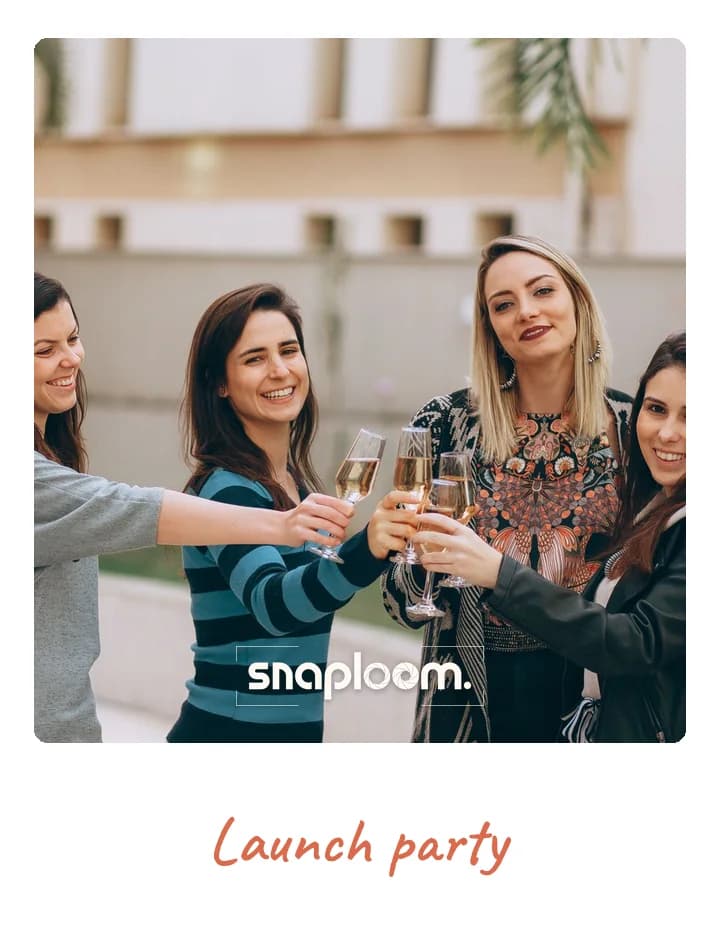
Guests photograph the launch with your product and logo in the frame, then share it the same evening.
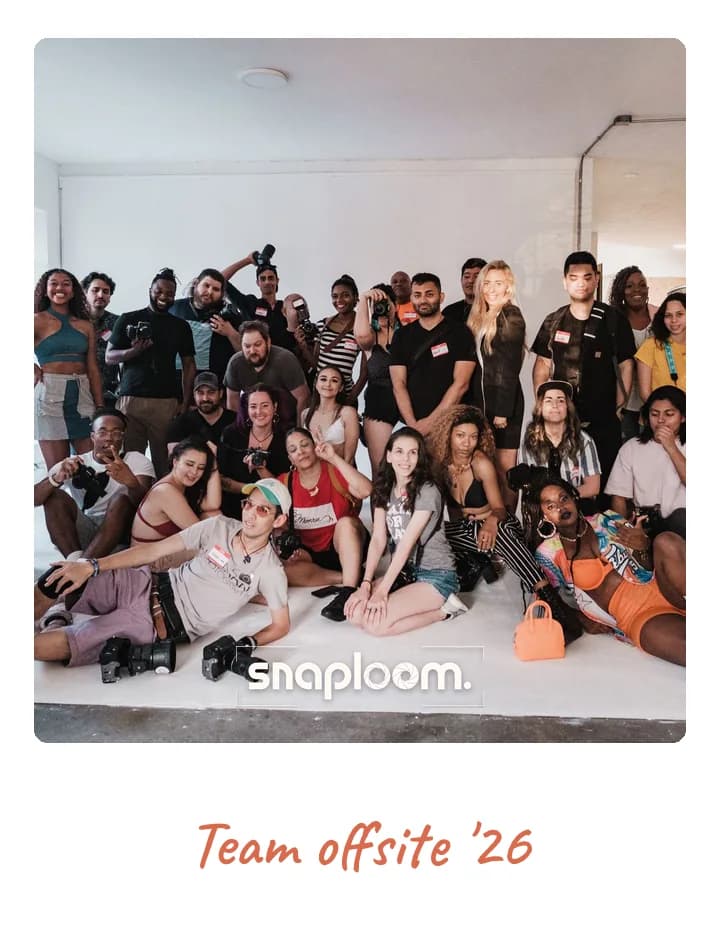
A record of the team away from the office, kept in your account rather than in a dozen camera rolls.
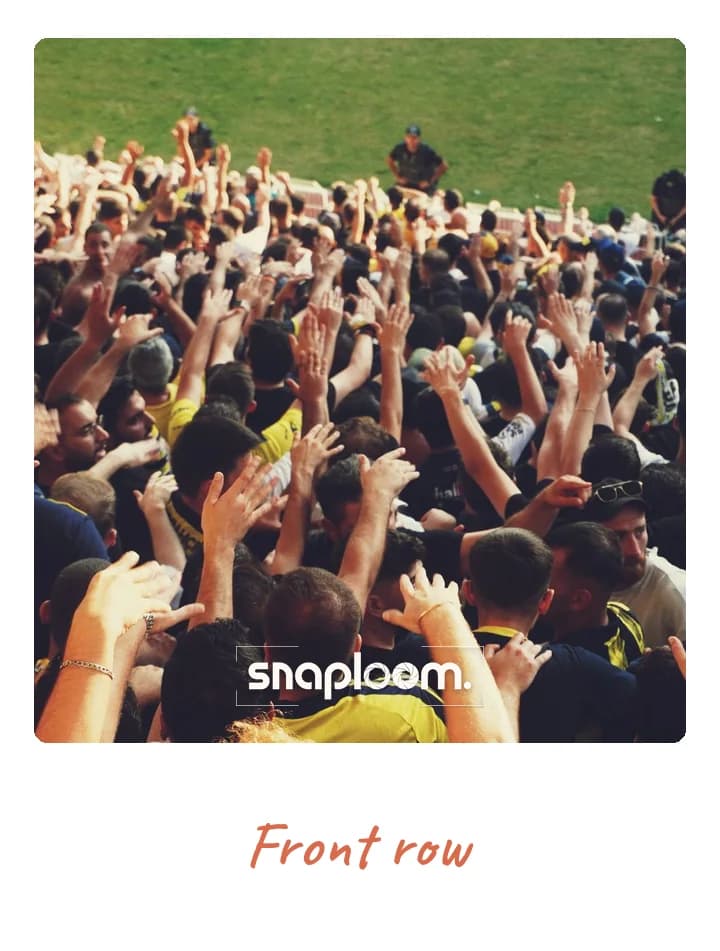
A QR code on the stand gives visitors a branded photo to take away and a reason to stop.
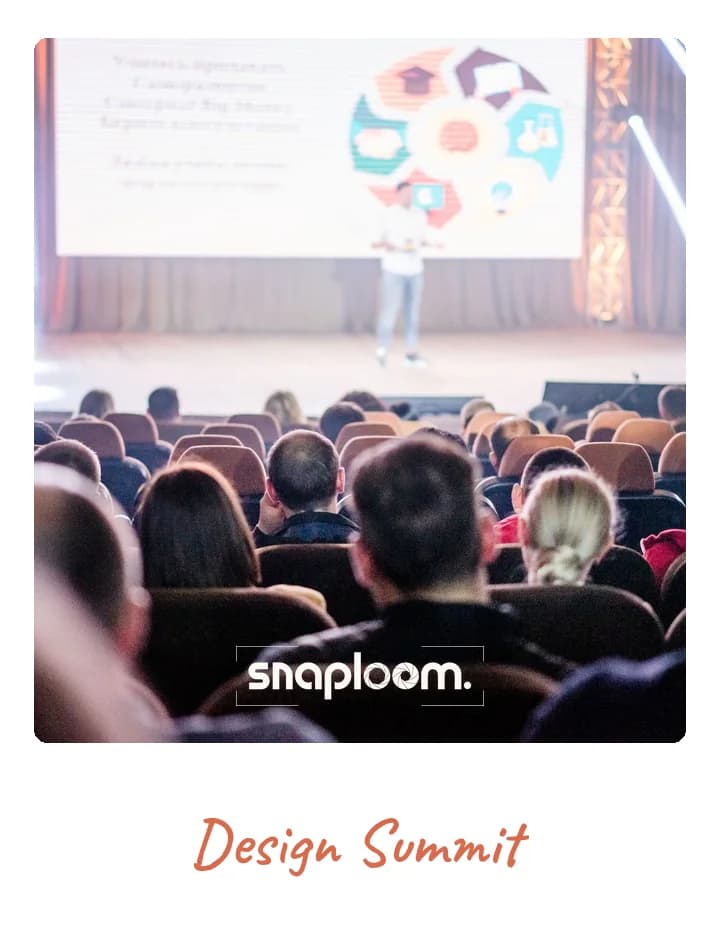
Winners and teams on the night, every photo carrying the event’s name for internal comms.
Theme, card colours, event name and logo. Minutes, before doors open.

On the invite, in the group chat, or as a QR at the door.
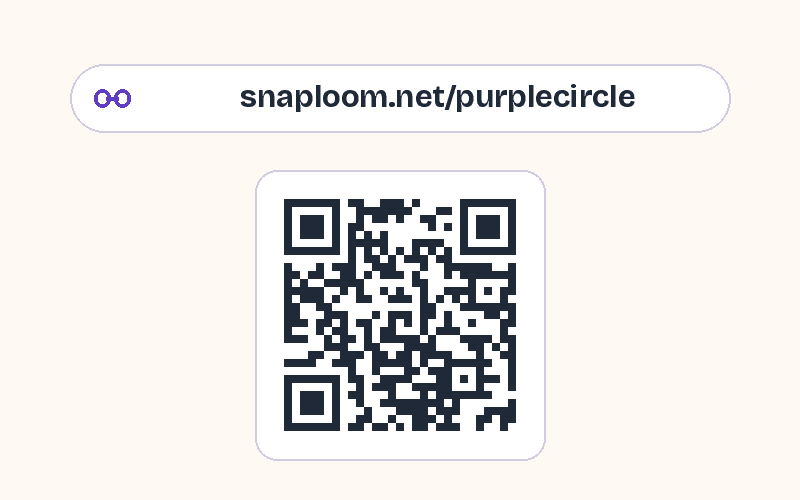
They take a photo and keep a polaroid. Every capture lands in your dashboard.
Try it as a guest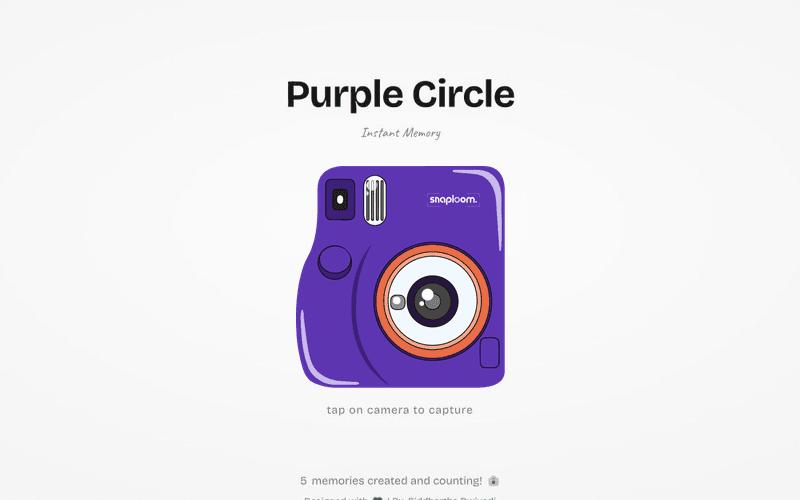
Yes. Upload a logo in the dashboard and it is applied to the polaroid card along with your colours, caption, and chosen font.
Yes. With review on, captures are held as pending and only appear in the public gallery once a moderator approves them.
No. It runs in the browser on guests’ own phones, so there is no software to deploy, no kiosk to configure, and no device to manage.
Everything collects in your dashboard as it is captured, and you can download the whole event as a single ZIP whenever you need it.
Yes. Event pages are kept out of search engines by default; guests reach the camera only through your link or QR code.
Yes. Set a closing date and time and the camera stops accepting photos then, with a closing message you choose.
Try the camera, then brand a page with your logo and colours before your next conference, launch, or offsite.