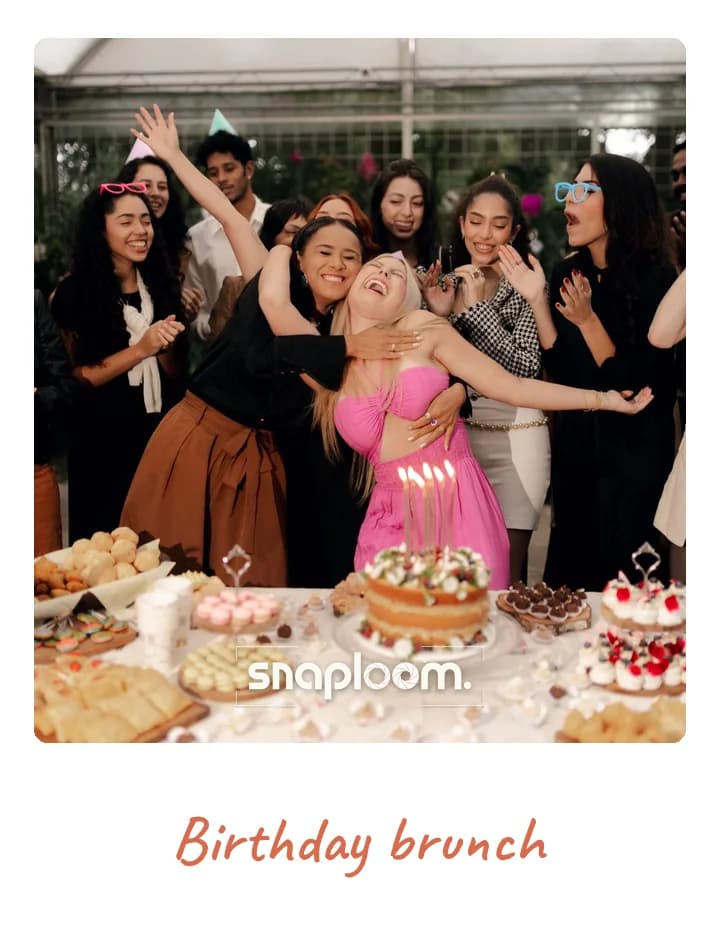
A camera, not an upload form
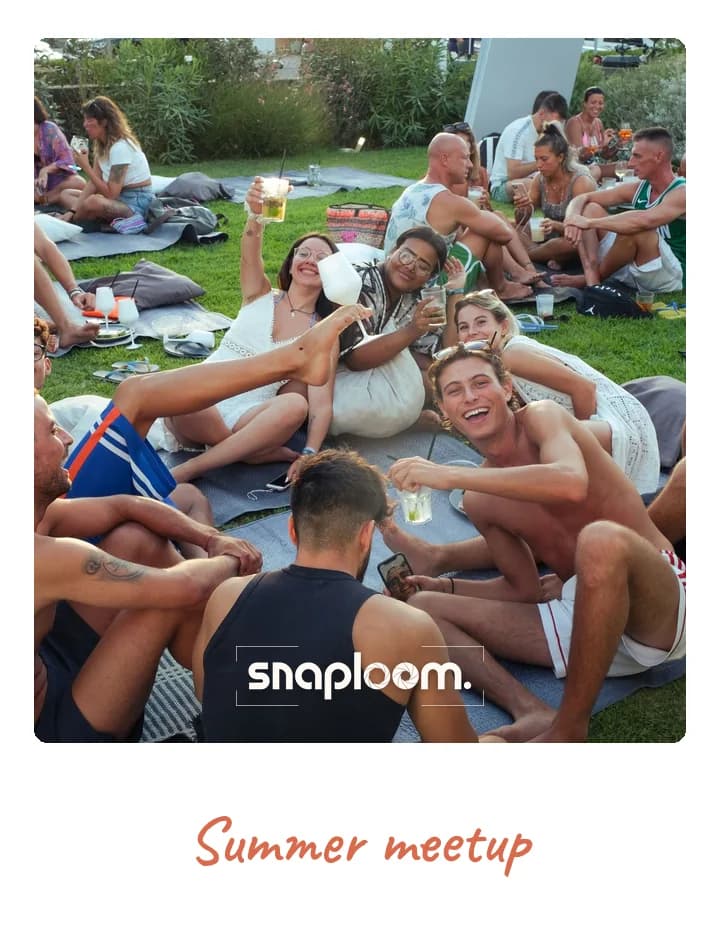
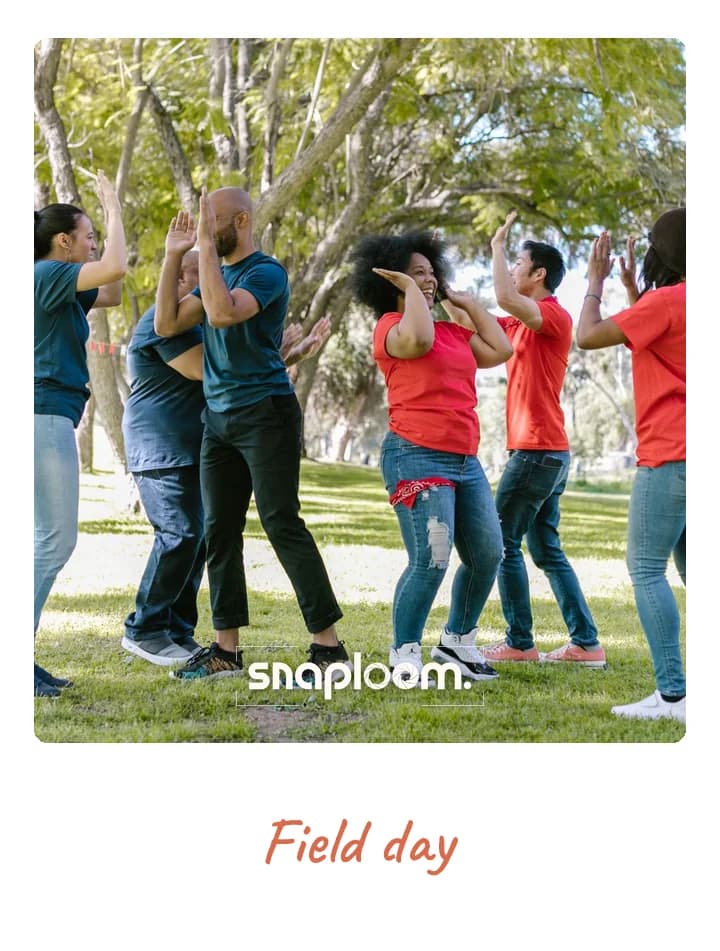
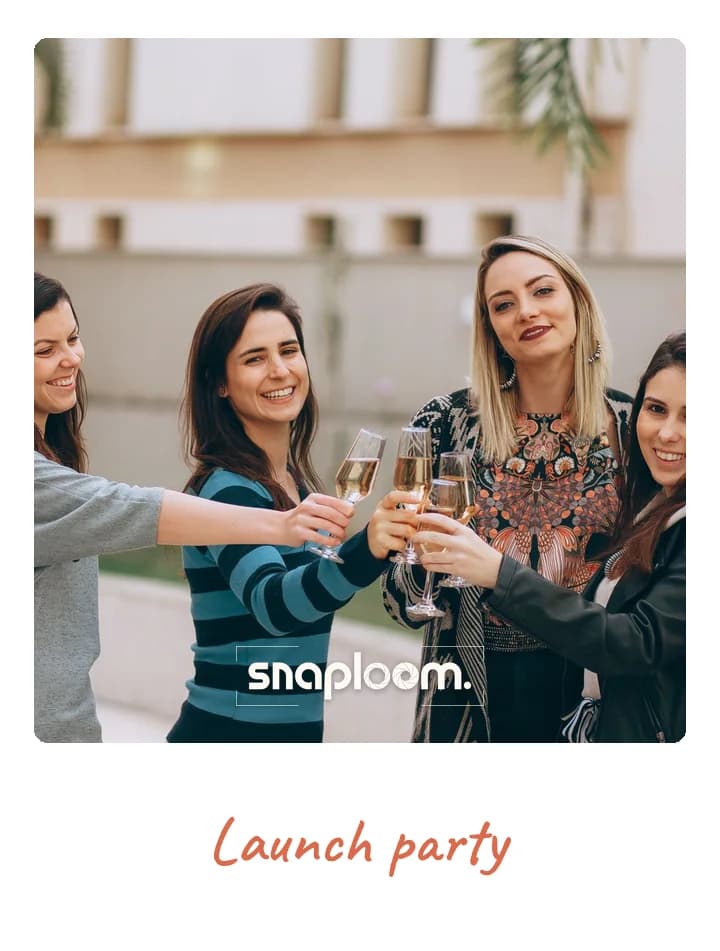
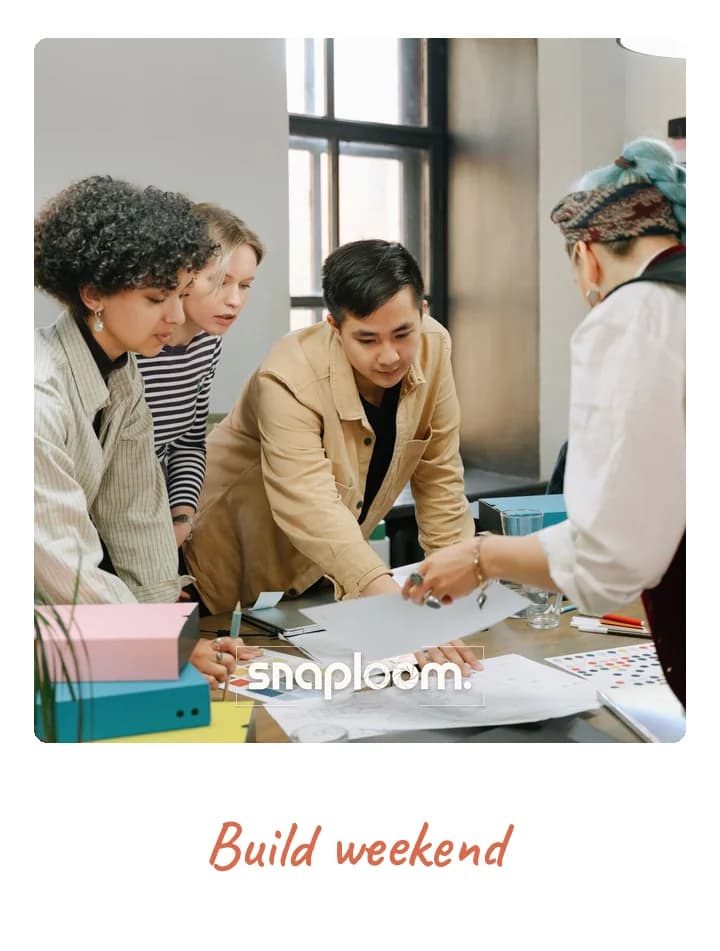
Guests shoot inside your event’s camera with a live viewfinder and a countdown, so every photo is framed and styled the same way.
Your event gets its own camera: your name, colours and logo on every shot. Guests open it from a link or QR code in their phone’s browser, so there is no app store, no download and no account between them and the first photo.
An event camera app gives everyone at an event the same camera, so the photos look like they belong together and end up in one place. Most of them ask every guest to install something first, and a good share of guests never do. Snaploom is an event camera that runs in the browser instead: you design the camera once (theme, card colours, caption, font, logo), share one link, and each guest is shooting inside it a few seconds after they scan. Every capture comes back as a styled polaroid and lands in your dashboard while the event is still going.
Guests shoot inside your event’s camera with a live viewfinder and a countdown, so every photo is framed and styled the same way.
No app store and no sign-up. The link works in Safari and Chrome on any modern iPhone or Android phone.
Pick the theme, card colours, caption and font, and place your logo. The camera looks like your event from the first screen.
Every shot from every phone collects in your dashboard. Review it, download it as one ZIP, or publish a shared gallery.
Every install step loses guests. A link has one step, so the quiet guests and the older ones end up in the photos too.
Guests do not keep an app they used once. They keep the polaroids they chose to save.
Wedding guests, conference visitors and party friends will not set up an account for a single evening, and they do not have to.
Edit the caption or swap the logo the morning of the event. The link and printed QR code stay the same.
Theme, card colours, event name and logo. Minutes, before doors open.

On the invite, in the group chat, or as a QR at the door.
They take a photo and keep a polaroid. Every capture lands in your dashboard.
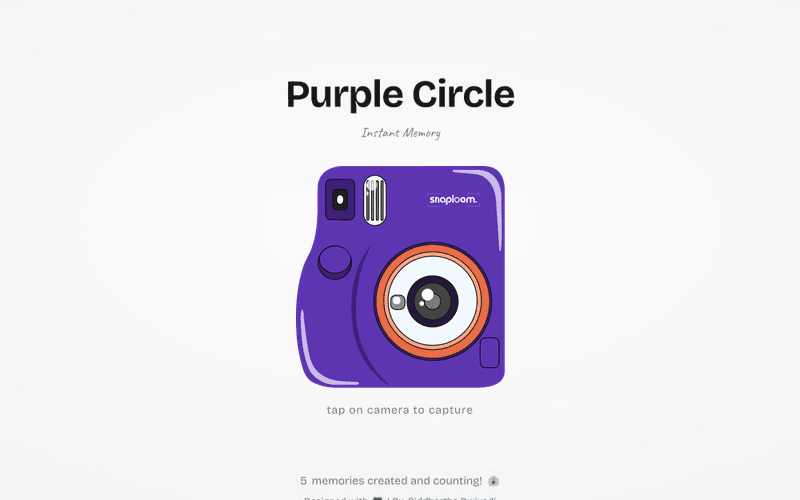
No. It is a web camera that opens in the phone’s browser from your link or QR code. Neither you nor your guests install anything.
Guests need a connection, mobile data or wifi, so each photo can reach your dashboard. A normal phone signal is enough.
Photos taken in the phone’s camera app stay in that phone’s camera roll. The point of an event camera is that guests shoot inside yours, so every photo is branded and collected for you.
Yes. Each event can have its own page with its own link, look and gallery, depending on your plan.
Any modern iPhone or Android phone, in Safari, Chrome or another current browser.
Yes. Set a closing date and time, or pause the page from your dashboard. Photos already taken stay yours.
Try the camera as a guest would, then design one with your event’s name, colours and logo.